
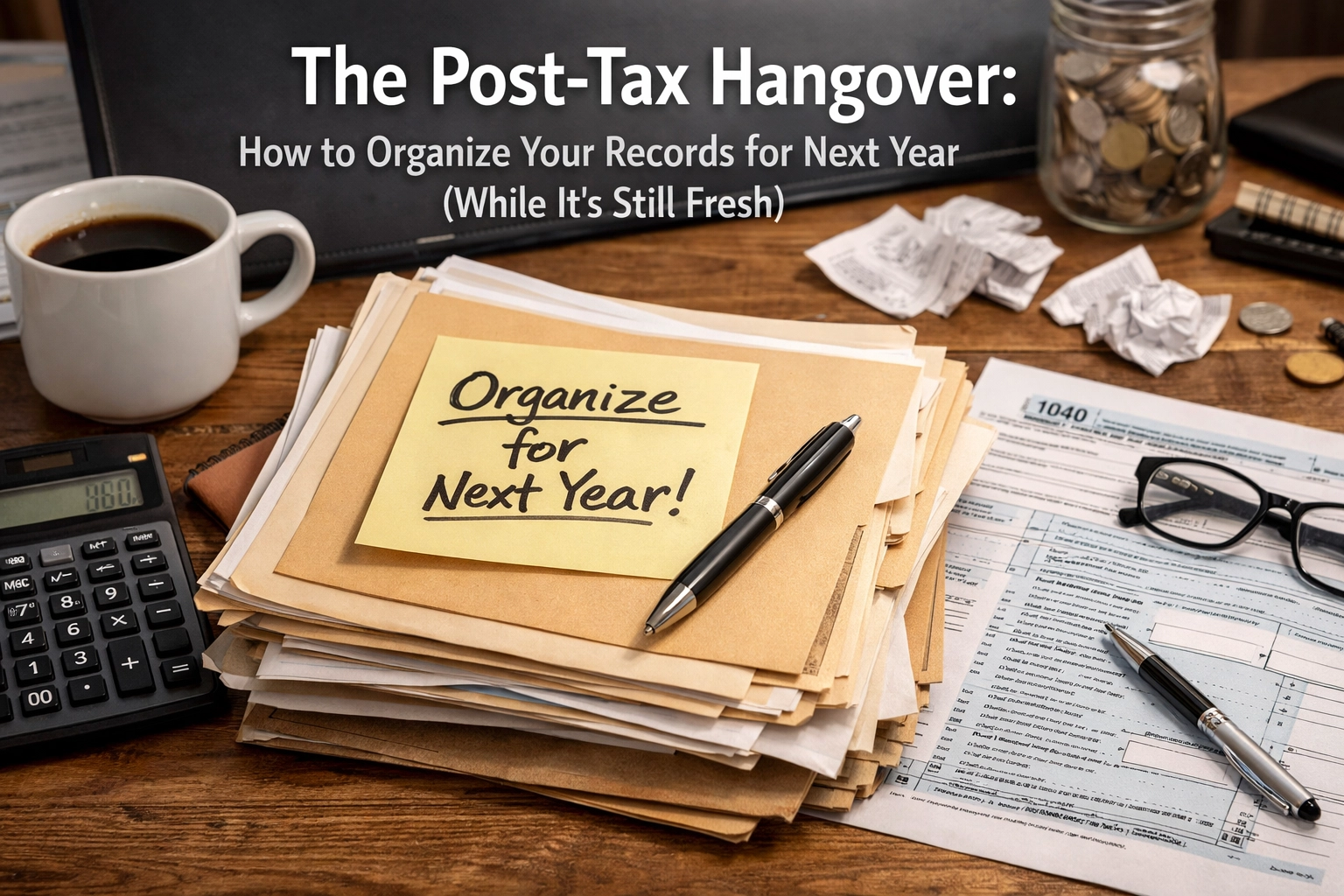

You know that feeling. You just hit “submit” on your tax return, or you finally dropped off that heavy accordion folder at your CPA’s office. You feel about ten pounds lighter, but you’re also mentally exhausted. You probably muttered the words, “I am never doing it this way again,” at least a dozen times over the last few weeks.
That, my friend, is the Post-Tax Hangover.
It’s the period right after the tax deadline when the frustration of missing receipts, confusing bank statements, and “where did I put that 1099?” panic is still stinging. Most business owners celebrate by ignoring their books for the next three months. But if you want to actually grow your business this year, and move from just being “compliant” with the IRS to being “confident” in your numbers, now is the absolute best time to act.
Why? Because the pain is fresh. You know exactly which part of your record-keeping system broke down. You know which receipts were a nightmare to find. Let’s use that momentum to make sure next year is a breeze.
The Cost of the “Scramble”
Before we dive into the “how,” let’s look at the “why.” When your records are a mess, you aren’t just losing sleep; you’re losing actual money.
- Missed Deductions: If you can’t find the receipt, you often can’t claim the expense. For a business in a 25% tax bracket, every $1,000 in missed deductions costs you $250 in cold, hard cash.
- Higher Accounting Fees: Most CPAs and bookkeepers charge more when they have to do “clean-up” work. If you hand over a Shoebox of Doom, you are paying professional rates for data entry that could have been automated.
- Stalled Growth: You can’t make smart decisions about hiring or expanding if you don’t know your true profit margins.
Imagine what you could do with those extra hours and dollars if your financials were already organized. That’s the goal of the Spring Growth Sprint.
Step 1: The Post-Mortem (Be Honest With Yourself)
Take ten minutes today, while you still remember the stress, and ask yourself these three questions:
- What was the biggest bottleneck? Was it physical paper? Was it the scramble to get W-9s from your contractors so you could issue their 1099s? Was it personal expenses mixed into your business account?
- What did I spend the most time looking for? If you spent three hours digging through your email for a software subscription invoice, that’s a system failure.
- Did I feel in control? If the answer is “no,” then it’s time to shift from manual tracking to a more streamlined approach.

Step 2: The “Keep or Toss” Retention Guide
One of the biggest contributors to record-keeping clutter is the fear of throwing anything away. You don’t need to keep every gum wrapper, but you do need a solid trail. Here is the general rule of thumb for small business owners:
- Keep for 3 Years: Most supporting tax documents (receipts, canceled checks, bank statements) that support an item of income or a deduction on your return.
- Keep for 4 Years: Employment tax records.
- Keep Indefinitely: Filed tax returns (these are your business’s DNA), audit reports, and records related to property you still own.
Pro-Tip: Digital copies are your best friend. The IRS has accepted digital receipts since 1997, provided they are legible and show the date, amount, and vendor.
Step 3: Stop the Paper Trail Before It Starts
If your desk is currently covered in stacks of paper, let’s fix that. A clean workspace leads to a clear head.
To illustrate how this works, let’s imagine a typical scenario—meet “Mark the General Contractor” (our hypothetical hero).
Mark is great at building houses, but his truck dashboard was his filing cabinet. Every April, he spent three days sorting through faded Home Depot receipts that were covered in coffee stains. This year, Mark decided to try something different. He started using a mobile app to snap a photo of every receipt before he even left the parking lot. The app pushed the data directly into his bookkeeping software.
By the time Mark got home, his “paperwork” was already done. He didn’t just save time; he found an extra $4,000 in deductions he usually missed because the receipts would get lost under the seat of his truck.
You can do the same. Whether you use a dedicated app or just a specific folder in your email, the goal is to digitize immediately. If you’re looking for ways to make this even easier, check out how automation is your secret weapon for staying organized without the effort.
Step 4: Separate the Church and the State
If there is one thing that makes tax season a nightmare, it’s “commingling.” That’s the fancy accounting term for using your business card to buy groceries or your personal card to buy office supplies.
If you did this last year, stop today.
- One Business Checking Account.
- One Business Credit Card.
- Zero Personal Expenses.
When your business accounts are “clean,” your bookkeeper can link them directly to your software. This means every transaction is imported automatically. You won’t have to explain to your CPA why there’s a charge for “Disney+” in the middle of your financial analysis.
Step 5: Build Your Digital Vault
Instead of physical folders, create a simple hierarchy on a secure cloud drive (like Google Drive, Dropbox, or OneDrive).
Create a folder for “Tax Year 2026” and inside it, create sub-folders for:
- Income: Invoices sent and payments received.
- Expenses: Receipts categorized by type (Travel, Meals, Supplies).
- Banking: Monthly statements and loan documents.
- Payroll: If you have employees or contractors (W-9s go here!).
By setting this up in April, you have a “home” for every document the moment it hits your desk or inbox for the rest of the year.

Step 6: The 10-Minute Weekly Habit
The “Post-Tax Hangover” happens because we try to do 12 months of work in 2 weeks. The secret to a stress-free 2027 is the Weekly Check-In.
Pick a day: maybe Friday morning before the weekend starts or Tuesday at 10:00 AM while you’re having coffee. Spend just 10 minutes:
- Clearing your physical “to-be-scanned” pile.
- Categorizing the transactions in your bookkeeping software.
- Matching receipts to those transactions.
If you do this weekly, you’re never more than seven days away from having a “tax-ready” business. This is the foundation of strategic planning: knowing where you stand in real-time so you can pivot if a month isn’t going as planned.
Moving from Compliance to Confidence
April shouldn’t just be about surviving the IRS. It should be about taking a deep breath and looking at what your numbers are telling you. Are you as profitable as you think you are? Is your customer retention high enough to sustain you through the summer?
When your records are organized, you stop looking backward at what you spent and start looking forward at what you can earn.
If the thought of setting up these systems still feels overwhelming, don’t worry. You don’t have to be a bookkeeper to have great books. You just need a partner who can help you set the foundation.
One Small Step:
Look at your desk right now. Take five pieces of paper that belong in your 2026 tax file and put them in a single folder. That’s it. You’ve already started.
If you’re ready to offload the “hangover” for good and want a professional eye on your systems, I’d love to chat. We can look at your current setup and find the quickest ways to automate the boring stuff so you can get back to growing your business.
Ready to get ahead for next year? Book a free consultation with me here and let’s make the “Post-Tax Hangover” a thing of the past.

0 Comments